
Download DriverGuide Toolkit – driver management, device drivers, update drivers, backup drivers, driver toolkit, Windows driver utility, driver update tool, driver backup tool, driver information tool
Overview
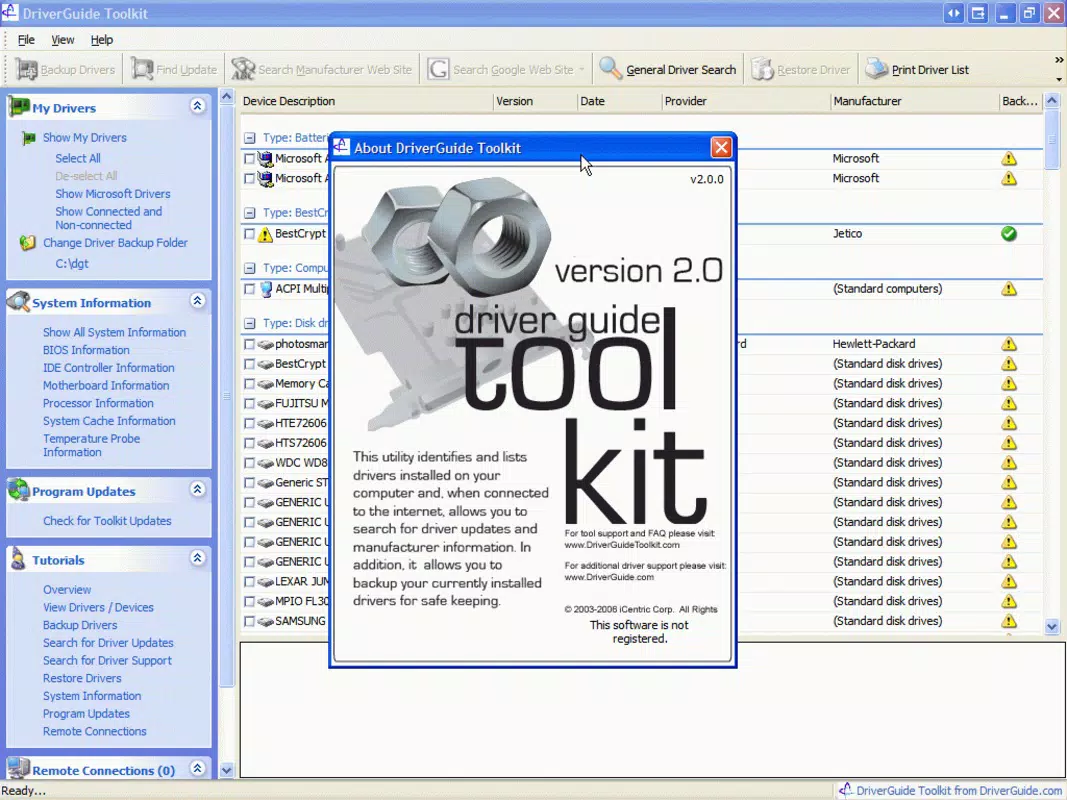
DriverGuide Toolkit is a productivity-focused utility designed to simplify the management of device drivers on Windows systems. The application addresses the common challenges users face when maintaining system stability, especially during hardware changes, software updates, or system reformatting. By centralizing driver information and enabling quick updates and backups, the toolkit serves as a reliable companion for both casual users and IT professionals who need consistent hardware performance.
Its primary function is to streamline driver-related tasks, reducing the time and technical knowledge required to keep a computer running efficiently. The developer, DriverGuide, has positioned this tool within the Windows ecosystem as a dedicated solution for driver maintenance, targeting individuals who manage multiple devices or frequently rebuild their systems. Real-world use cases include preparing a computer for a clean install, diagnosing hardware compatibility issues, or ensuring that newly connected peripherals function correctly.
In the broader app ecosystem, DriverGuide Toolkit fills a niche for specialized system utilities, offering a focused alternative to broader system optimization suites. While the developer did not provide additional technical details about the app’s architecture or development history, its long-standing presence since 2007 underscores its reliability and continued relevance in the Windows productivity space.
Key Features & Functionality
- User-Friendly Interface: The application features a clean, straightforward layout that prioritizes accessibility. Users can navigate through the main functions without requiring technical expertise, making it ideal for beginners while still offering value to experienced users who prefer efficiency over complexity.
- One-Click Driver Updates: With a single action, users can update outdated or missing drivers. This automated process eliminates the need to manually search for driver files, reducing the risk of installing incompatible or outdated versions.
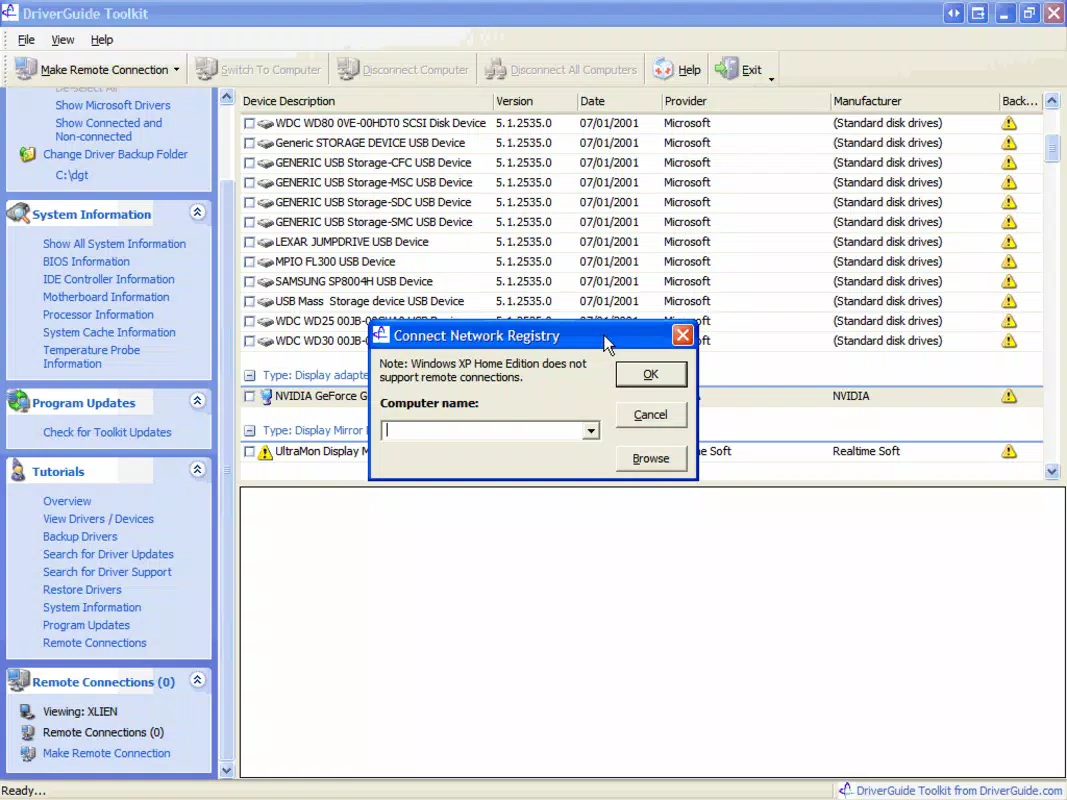
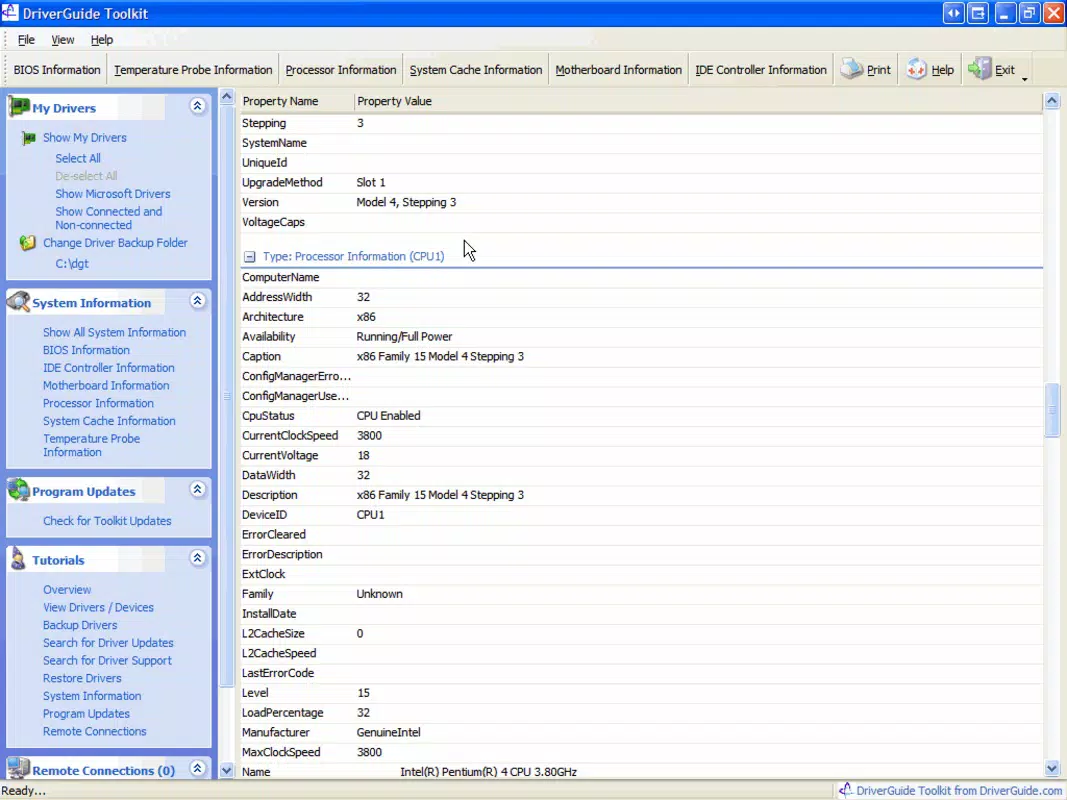
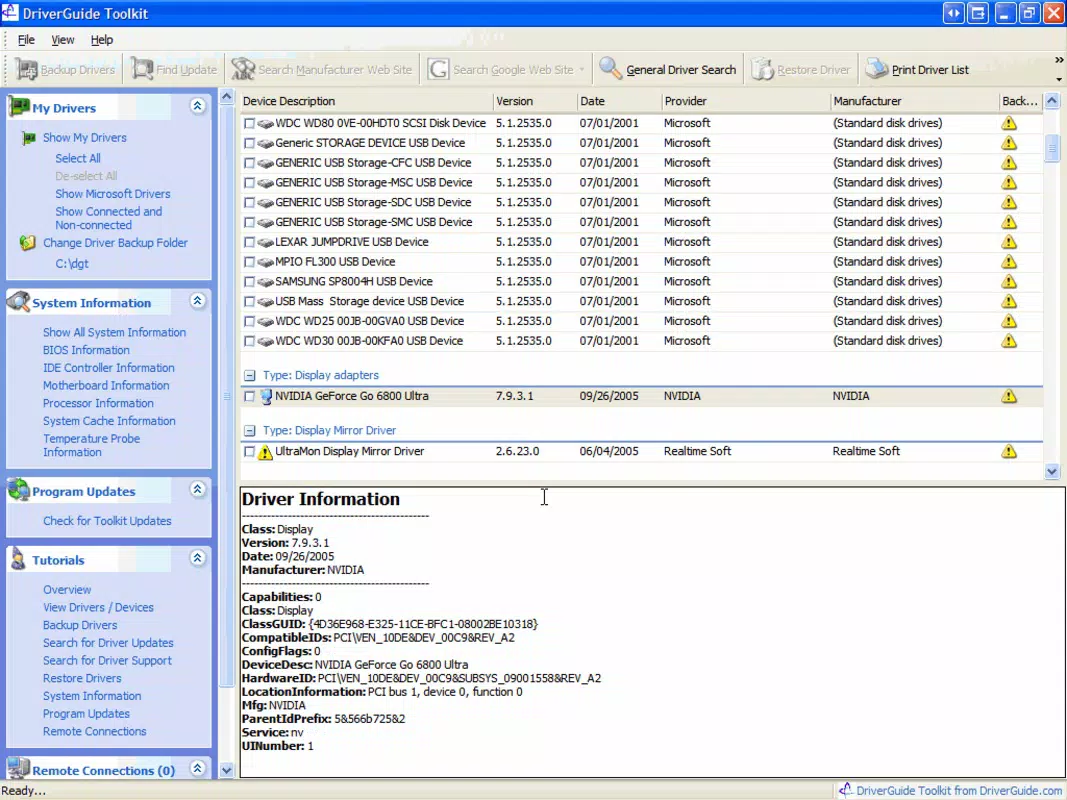
- Comprehensive Device Information: The toolkit displays detailed data about connected hardware, including manufacturer names, driver versions, and device status. This information supports troubleshooting, performance optimization, and hardware inventory tracking.
- Backup and Safety Features: Users can create backups of installed drivers, saving them to local folders or removable storage. This capability is essential for system recovery, reinstallation, or transferring driver sets between machines.
- Online Driver Information Access: The tool provides access to external resources that offer up-to-date driver details and support documentation. This feature ensures users remain informed about the latest hardware and software developments related to their devices.
For example, a user preparing for a system reformat can use the backup function to preserve all current drivers. Later, during the reinstallation process, they can restore these drivers with minimal effort. Similarly, a technician troubleshooting a malfunctioning printer can quickly identify the driver version and update it using the one-click feature, minimizing downtime.
Interface, UX & Performance
The interface of DriverGuide Toolkit is designed with usability in mind, featuring a minimalistic layout that avoids clutter while maintaining access to essential functions. Navigation is linear and intuitive, allowing users to move between sections—such as device overview, update queue, and backup settings—without confusion. Visual cues and clear labeling support quick comprehension, reducing the learning curve for new users.
The application responds promptly to user inputs, with minimal lag during scanning and update processes. Although the developer did not list formal performance metrics, the app’s lightweight footprint of 4.8 MB suggests efficient resource usage, making it suitable for older or low-spec systems. Responsiveness remains consistent across various Windows environments, though specific compatibility details were not disclosed.
Stability appears reliable based on its long-standing release history, though no official reports on crashes or errors were provided. The application does not appear to consume excessive CPU or memory during operation, contributing to a smooth user experience. Overall, the UX is optimized for practicality and speed, aligning with the app’s purpose as a no-frills driver management utility.
Platform Compatibility & Technical Requirements
DriverGuide Toolkit is available for the Windows platform, with a current version of 1.0.1. The application has a file size of 4.8 MB, indicating a lightweight design suitable for systems with limited storage. The developer did not specify minimum OS requirements, nor did they list compatibility with specific Windows versions such as Windows 10, 11, or earlier releases.
Similarly, no details were provided about hardware specifications, processor architecture, or required permissions. As a result, users are advised to exercise caution when installing on systems with outdated or non-standard configurations. The absence of detailed technical information means that compatibility should be confirmed through testing on target devices.
Despite this, the app’s long history suggests it may support a broad range of Windows environments, though this remains unverified. Users should ensure their system meets general Windows application requirements before proceeding with installation.
Pros and Cons
Pros
- Simple and intuitive interface for easy navigation
- One-click driver updates reduce manual effort
- Comprehensive device and driver information display
- Backup functionality enhances system recovery safety
- Online access to driver resources improves user support
Cons
- Developer did not list specific OS or hardware requirements
- No information on automatic update schedules or notifications
- Price point of $29.99 may be considered high for a single-purpose tool
- Compatibility with modern Windows versions not confirmed
- No visible integration with cloud storage or remote backup
FAQ
Is DriverGuide Toolkit safe to download and install?
Yes, the application is designed for Windows systems and is distributed by the developer DriverGuide. As with any software, users should ensure they download from official sources to avoid potential security risks.
Can I use DriverGuide Toolkit on multiple computers?
The licensing terms were not provided. Users should consult the official documentation or purchase agreement to determine if the license allows use across multiple devices.
Does the app require an internet connection?
While the app can function offline for scanning and managing local drivers, the online driver information feature requires an active internet connection to access external resources.
How often should I update my drivers using this tool?
It is recommended to update drivers when new hardware is added, after system updates, or when experiencing performance or compatibility issues. The app’s one-click feature simplifies this process.
Is there a free version or trial available?
The developer did not disclose information about a free trial or demo version. The app is currently priced at $29.99, suggesting a full-featured purchase is required.
Final Thoughts
DriverGuide Toolkit stands out as a focused, no-nonsense utility for managing device drivers on Windows. Its clean interface, one-click update capability, and robust backup system make it a valuable tool for users who prioritize system stability and ease of maintenance. While the lack of detailed technical specifications and a higher price point may deter some, its proven track record since 2007 speaks to its reliability.
The app is especially beneficial for users who frequently reformat their systems or manage multiple hardware configurations. For those seeking a dedicated driver management solution without the bloat of larger utilities, DriverGuide Toolkit offers a practical and efficient alternative. Its ability to simplify complex tasks with minimal effort underscores its value in the productivity toolkit.
Download DriverGuide Toolkit now.


